11000人交流群欢迎你加入:https://telegram.me/gwvpsceping
As a U.S. server provider with nearly 20 years of operating history, RAKsmart has gained strong popularity thanks to its broad product portfolio and affordable pricing. Its flagship services include U.S. SEO servers, U.S. CN2 servers, Hong Kong servers, bare metal cloud, DDoS-protected servers, and more, suitable for enterprise websites, e-commerce deployment, overseas acceleration, and other use cases.
To help first-time RAKsmart users place orders at the best possible price, this guide covers exclusive new-user discounts and the full registration and purchasing process—from claiming coupons to completing payment—with step-by-step screenshots and explanations.
1. What Discounts Are Available for New RAKsmart Users?
As of 2025, RAKsmart offers a variety of exclusive discounts for new users across its full product line, including but not limited to:
- First order eligible for 35% off (applies to all product lines)
- U.S. dedicated server flash sale: 16GB RAM, 1TB HDD, BGP gigabit unlimited traffic for only $29.9/month
- U.S. bare metal cloud servers starting from $79.90
- U.S. cloud servers/VPS plans from $1.99/month
In addition, RAKsmart regularly updates its promotions and flash sale sections, so it is recommended to check the latest offers before placing an order.
2. RAKsmart Registration and Ordering Process
Step 1: Visit the RAKsmart Website
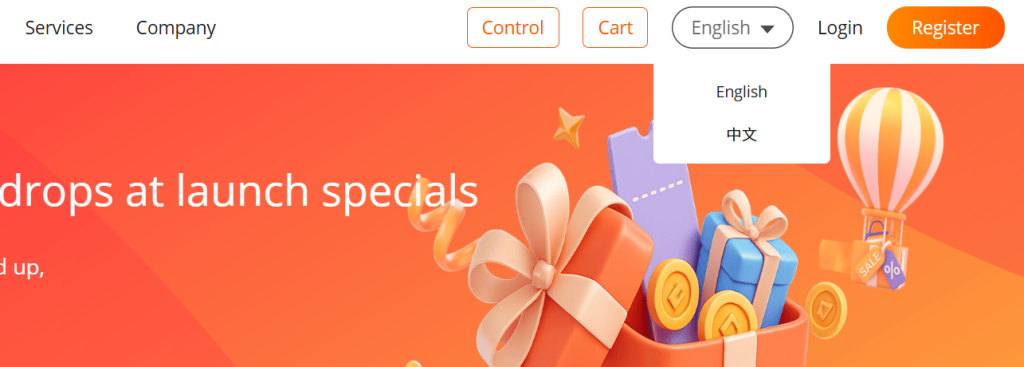
It is recommended to visit the RAKsmart Chinese website directly. First-time visitors may be redirected to the English version by default; you can switch to Simplified Chinese using the “Language” option in the top-right corner.
Step 2: Register an Account
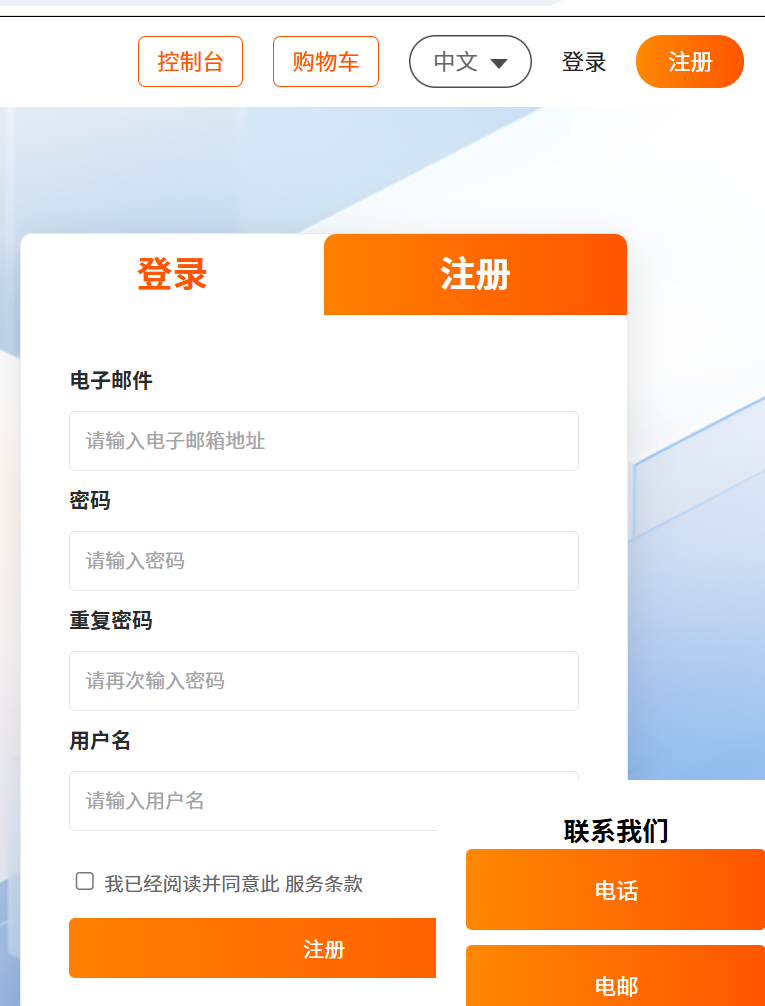
Click “Register” in the upper right corner, enter your email, password, and username, agree to the terms of service, and submit. The system may send an email verification link—follow the instructions to activate your account.
Step 3: Log In to the Control Panel
After registration, return to the login page and enter your email and password to access the RAKsmart user dashboard. If the interface switches back to English, simply change the language again.
Step 4: Claim Coupons
Since July 2024, RAKsmart has replaced traditional promo codes with a coupon system. New users can go to “Latest Promotions” in the top navigation, locate the “Coupon Package” or “New User Benefits” section, and click “Claim Now.”
You can also visit the RAKsmart Coupon Page to claim all currently available discounts.
Step 5: Browse Flash Sale Products
The “Latest Promotions” section includes monthly specials, some with excellent value for money, especially suitable for first-time users. Once you find a suitable product, click “Order Now.”
Step 6: Choose a Product and Place an Order
Go to the “Console” through the navigation menu, then select “Purchase Services” and choose the product category you need, such as cloud servers, VPS, dedicated servers, bare metal cloud, or DDoS protection servers. Then select a location (such as Silicon Valley or Hong Kong) and choose the desired configuration.
At checkout, the system will automatically match eligible coupons you have claimed. You can also click “Choose Coupons” to review or switch discounts manually.
Confirm the order, select a payment method (Alipay, WeChat Pay, credit card, PayPal, etc.), and complete payment.
3. After Your Purchase
After successful payment, RAKsmart will generate an order in your dashboard and send an activation email containing server IP details, login information, and other setup instructions. Be sure to check both your inbox and spam folder.
Frequently Asked Questions
Q1: What payment methods does RAKsmart support?
A: RAKsmart supports Alipay, WeChat Pay, PayPal, and VISA/MASTER credit cards, making payment convenient for both domestic and international users.
Q2: Can coupons be stacked?
A: No. Only one coupon can be applied per order, and the system will prioritize the best available discount automatically.
Q3: How can I verify a coupon is applied?
A: The checkout page will display the active coupon information. If needed, click “Choose Coupons” to switch manually.
Q4: Who is RAKsmart suitable for?
A: It is suitable for website owners, e-commerce sellers, game deployment, research workloads, and overseas business expansion scenarios.