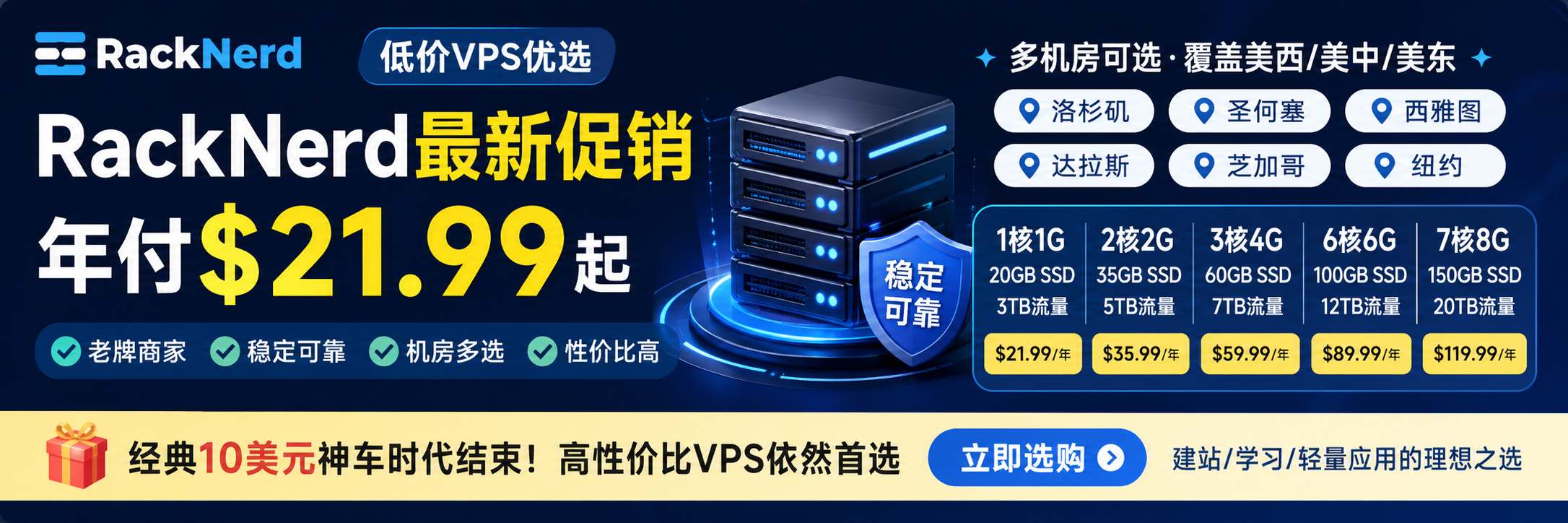
When choosing an overseas VPS (Virtual Private Server), understanding the fundamentals and selection criteria is essential. This guide walks you through everything you need to know about VPS hosting, helping you make a smarter and more confident purchasing decision.
What Is a VPS?
A VPS (Virtual Private Server) is a technology that uses virtualization to divide a single physical server into multiple independent virtual servers. Each virtual server has its own operating system and dedicated hardware resources, such as CPU, RAM, storage space, and bandwidth.
From a user’s perspective, a VPS functions much like a dedicated server. You benefit from isolated resources and full control, without bearing the high costs associated with maintaining a physical dedicated server.

Advantages of VPS Hosting
Compared to shared hosting, VPS offers several significant advantages:
1. Dedicated Resources
Each VPS is allocated its own hardware resources. This ensures that your server performance is not affected by other users. You can scale resources based on your needs, avoiding the common issue in shared hosting where excessive usage by others impacts performance.
2. Enhanced Security
VPS environments use virtualization to isolate users from one another. This separation minimizes security risks caused by neighboring accounts. Even if another user experiences issues, your VPS remains unaffected.
3. Flexible Scalability
VPS resources can be upgraded as your business grows. Unlike shared hosting, which typically has limited upgrade paths, VPS hosting allows you to scale CPU, memory, storage, and bandwidth more flexibly.
VPS vs. Shared Hosting: What’s the Difference?
Many users confuse VPS with shared hosting. The core difference lies in resource allocation and control:
- Resource Isolation:
With VPS, resources are dedicated and unaffected by traffic spikes on other websites. In shared hosting, all websites share the same server resources, meaning heavy traffic on one site can slow down others. - Management Freedom:
VPS users have greater control, including the ability to install custom operating systems and software. Shared hosting environments are restricted, offering limited customization options.
Do You Need ICP Filing for Overseas Hosting?
In mainland China, hosting services require ICP (Internet Content Provider) filing. However, this requirement applies only to servers located within mainland China.
When choosing overseas VPS hosting—such as servers located in the United States, Hong Kong, or other international regions—ICP filing is generally not required. Therefore, compliance procedures are typically not a concern when selecting an overseas VPS.
VPS vs. Cloud Hosting: Key Differences
Although VPS and cloud hosting are often mentioned together, their architectures differ:
- Cloud Hosting:
Typically built on distributed architecture, offering higher redundancy and stronger scalability. - VPS Hosting:
Based on virtualization technology that partitions a single physical server into multiple virtual machines.
While cloud hosting may provide superior elasticity and failover capabilities, VPS hosting is usually sufficient for most users and often comes at a more affordable price point.
Choosing the Right Operating System
Overseas VPS providers typically offer two main operating systems: Windows and Linux.
Windows VPS
Suitable for applications that require Windows-specific technologies, such as ASP.NET websites. Windows VPS plans are generally more expensive due to licensing costs.
Linux VPS
Ideal for running open-source applications such as PHP and MySQL. Linux VPS is more common and usually more cost-effective. For developers, Linux is often the more flexible and economical choice.
How to Evaluate an Overseas VPS Provider
When purchasing a VPS, price alone should not be your deciding factor. Consider the following key evaluation criteria:
1. Pricing and Value for Money
While pricing is important, you should assess whether the allocated resources and service quality justify the cost. Be cautious of hidden fees.
2. Features and Hardware Configuration
Different providers offer varying configurations and features. Match your requirements with the appropriate specifications, including CPU cores, RAM, storage type (SSD/NVMe), and bandwidth.
3. Customer Support
Reliable technical support is crucial. Evaluate the provider’s response time and problem-solving capabilities to ensure you can get timely assistance when issues arise.
4. Server Reliability
Server stability directly affects your website’s availability. Look for providers with strong uptime guarantees to avoid frequent downtime.
5. Network Speed
Fast and stable network connectivity is fundamental to delivering a good user experience. Use network testing tools to check latency and bandwidth performance before committing.
6. Ease of Management Panel
A user-friendly control panel simplifies server management. Consider whether the provider offers intuitive dashboards, one-click application installation, and convenient system monitoring tools.
Conclusion
When selecting an overseas VPS, take the time to understand all relevant factors instead of following trends blindly. Evaluate pricing, features, service quality, reliability, and scalability based on your specific needs to find the best value-for-money provider.
We hope this guide provides meaningful insights and helps you make an informed and confident decision when purchasing an overseas VPS.